HubSpot Revenue Leak Scorecard
Short self-audit that shows you where your quote-to-cash process is losing revenue and how to fix it.
Find My Revenue Leaks
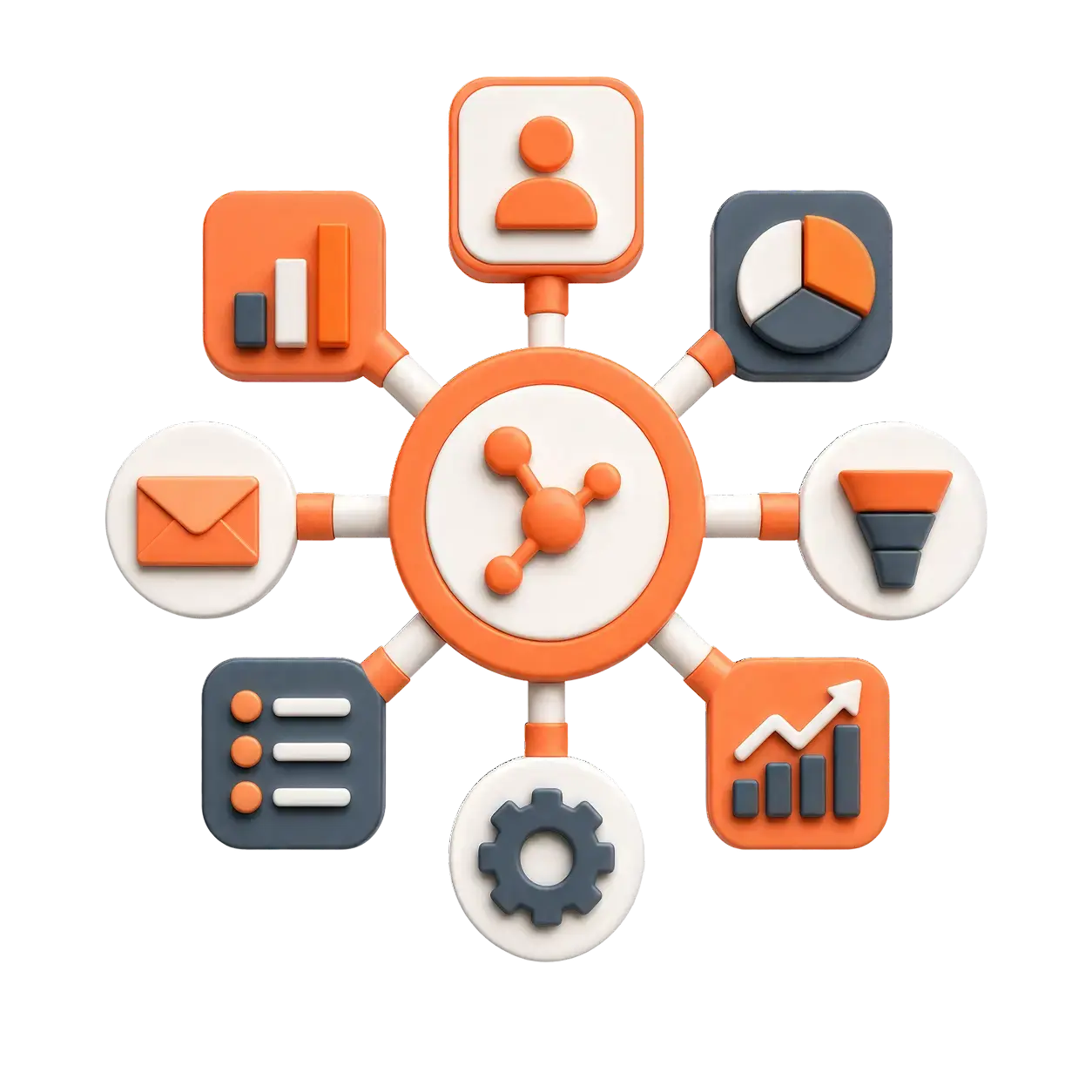
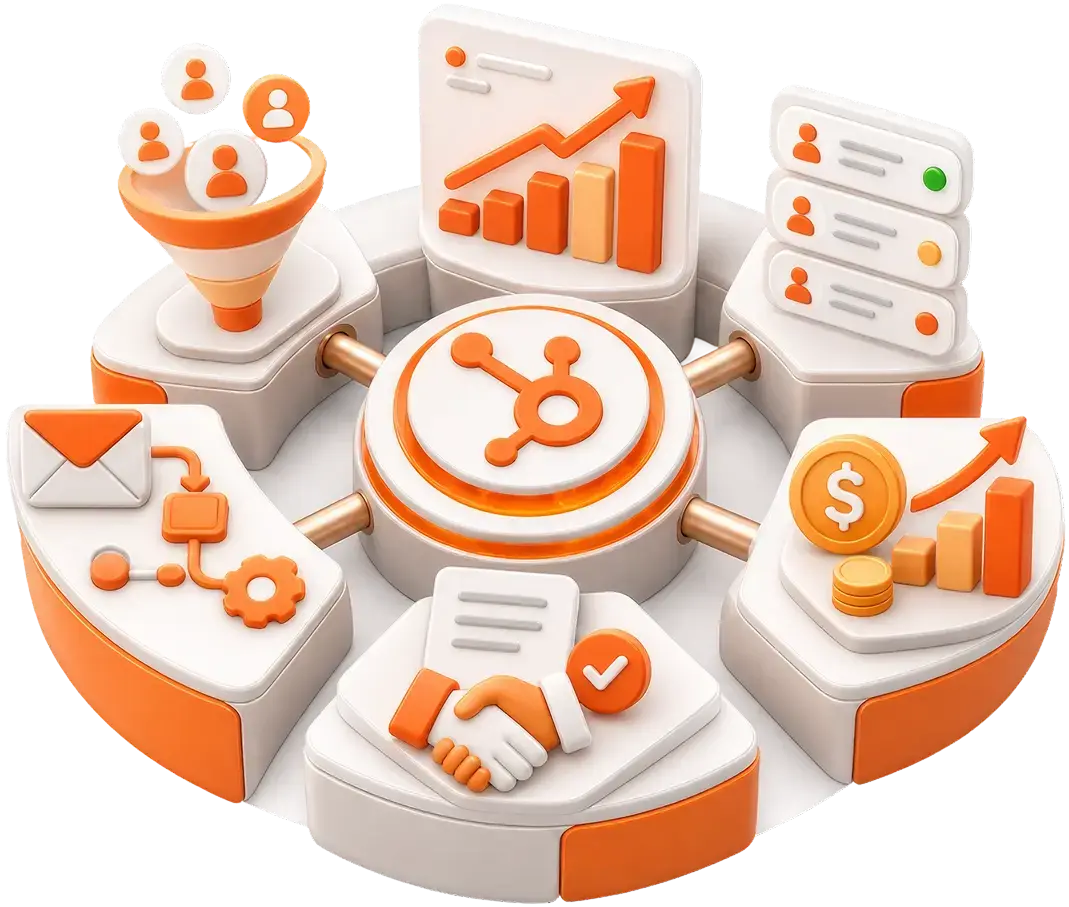
HubSpot Revenue Hub is the native system that runs your entire money journey — quotes, contracts, invoices, payments, subscriptions, and renewals — inside the same CRM where your customer data already lives. It launched in June 2026, when HubSpot renamed and expanded its old Commerce Hub into a full quote-to-cash platform.
The gap between "we won the deal" and "the cash is in the bank" is where revenue quietly leaks. Quotes sit in drafts. Invoices go out late. Renewals slip past. Finance and sales argue over numbers that never match. Revenue Hub closes that gap by putting the whole journey in one place.
What Is HubSpot Revenue Hub?
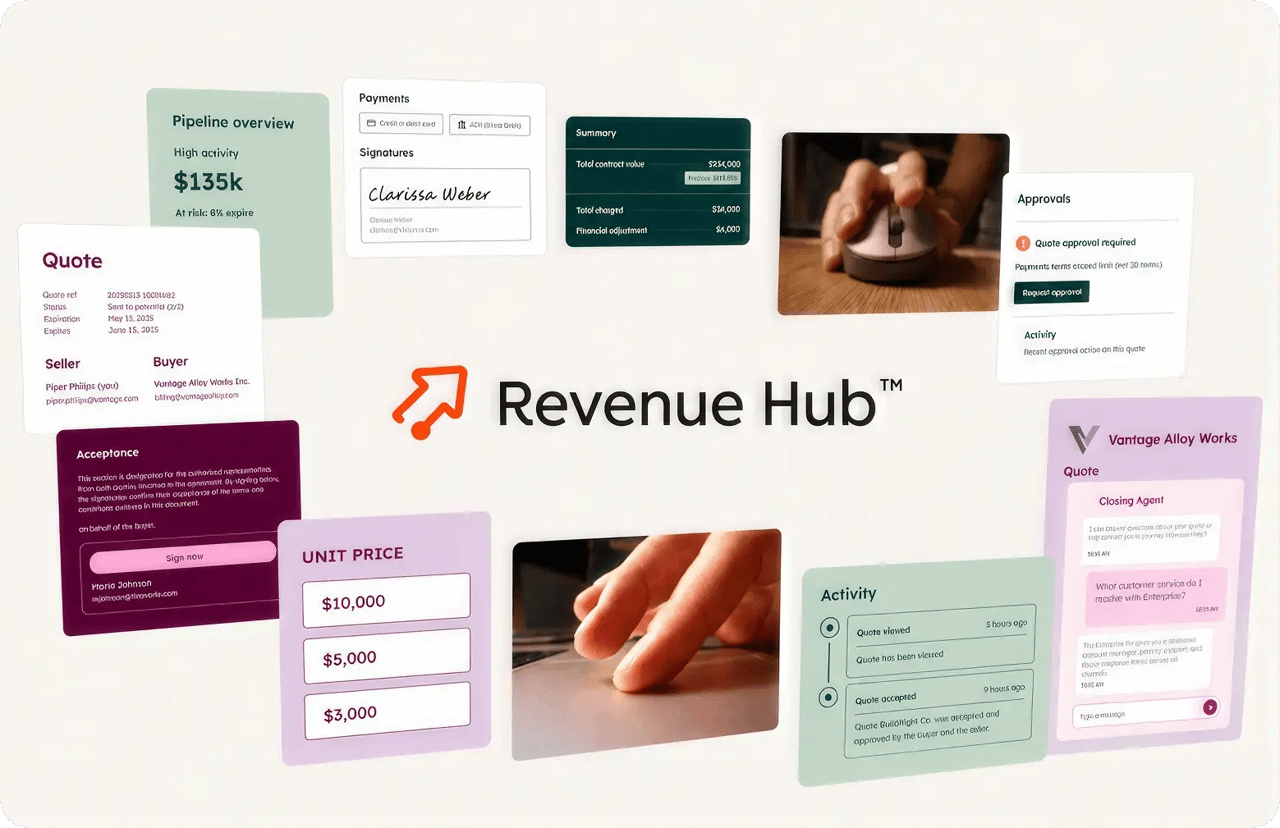
HubSpot Revenue Hub is one connected system for everything that happens after a customer says "yes." Instead of stitching together a quoting tool, a contract folder, an invoicing app, a payment processor, and a spreadsheet, you run all of it from a single Revenue menu inside HubSpot.
Here's the shift in plain terms. Your CRM has always known who the customer is: their contacts, their history, their deals. Revenue Hub adds what the CRM never held cleanly: what they bought, what they owe, when they pay, and when they renew. Customer context and revenue context finally live in the same database.
That single source of truth is the whole point. When a quote, a contract, an invoice, and a payment all read from the same record, three things stop happening:
- Retyping the same deal into three different tools
- Reconciling bank deposits against contracts by hand at month-end
- Guessing at a customer's payment status before a renewal call
Revenue Hub is built for B2B SaaS, subscriptions, and professional services with retainers or milestones. It is not built for high-volume consumer e-commerce with shopping carts, inventory, and shipping logistics.
What Is Quote-to-Cash and Why Does It Leak Revenue?
Quote-to-cash is the path your money takes from the moment a customer says "yes" to the moment the cash lands in your account. It's usually five steps:
- uote — you send a price.
- Contract — they agree to terms.
- Invoice — you bill them.
- Payment — they pay.
- Renewal — the deal continues, renews, or expires.
For most growing businesses, each step lives in a different tool that doesn't talk to the next one. That disconnect has a measurable cost. According to HubSpot's State of B2B Revenue 2026 research:
- ~75% of businesses say deals stall because their quoting process can't keep up.
- 76% of businesses miss renewals because revenue data lives outside the CRM.
Read those two numbers together and you have the entire problem. A prospect who's ready to buy is forced to wait—so they buy elsewhere. And a customer you fought hard to win churns quietly, because nobody saw the renewal coming.
🏆 Elite Partner Tip: The revenue leak is rarely one big hole. It's a dozen small ones — a quote that took two days too long, an invoice nobody chased, a renewal that expired on a calendar no one was watching. You can't fix what you can't see in one place. That's the argument for consolidation, not the software itself.
Why Did Commerce Hub Become Revenue Hub?
Because "commerce" describes a one-time checkout, and B2B revenue is never one-time. The rename in June 2026 wasn't cosmetic; it reflected a real expansion in what the product does.
HubSpot built toward this for half a decade:
| Year | What was added |
|---|---|
| 2021 | HubSpot Payments — process cards and bank transfers natively in the CRM |
| 2023 | Basic billing — early invoicing and simple subscriptions |
| 2025 | AI-assisted quoting (CPQ) inside the deal record |
| June 2026 | The Contract object ties quotes, invoices, payments, and renewals together |
"Commerce" implied a shopping cart and a single credit card swipe. But B2B deals are living relationships: mid-term seat changes, prorated add-ons, recurring billing, and annual renewals. "Revenue" describes that continuous lifecycle, which is what the latest release was engineered to handle.
What's Inside HubSpot Revenue Hub? A Tour of the Revenue Menu
When Revenue Hub launched, HubSpot added a dedicated Revenue menu to the main navigation, a home base for your money, sitting right next to Sales and Marketing. There are eight items on it. Here's what each one does:
| # | Menu item | What it does |
|---|---|---|
| 1 | Overview | The home screen. One-click shortcuts (create a quote, manage contracts, and share a payment link) plus a "this quarter" snapshot of quotes closed, revenue collected, and payment volume. |
| 2 | Analytics | The Revenue Analytics suite has ready-made reports built on live contract and subscription data, including the MRR waterfall and an accounts-receivable aging summary. |
| 3 | Quotes | The start of the journey: a live, branded, signable quote built straight from a deal. Home of CPQ on Professional and Enterprise tiers. |
| 4 | Contracts | The biggest new feature. The moment a customer accepts a quote, HubSpot creates a living contract record, the source of truth every invoice and renewal reads from. |
| 5 | Invoices | Generates and sends invoices on the contract's schedule (or one-offs you create). Each tracks its own status and balance due in real time. |
| 6 | Payments | How you collect. Card or bank transfer; the matching invoice marks itself paid automatically and can sync to QuickBooks or Xero. |
| 7 | Subscriptions | For revenue that repeats: weekly, monthly, or yearly billing, with automatic retries when a card fails. |
| 8 | Payment Links | A reusable checkout URL you drop into an email, website, or text. No quote needed; someone clicks and pays. |
Think of items 3 through 8 as the stops on the money track, and items 1 and 2 as the control tower watching over all of them.
What Is the Contract Object — and Why Is It the Real Change?
The Contract object is a living record of committed revenue, not a static PDF, and it's the single biggest reason Revenue Hub is more than a rebrand. Before this change, HubSpot tracked revenue on the Deal object, which is designed to die the moment a deal is won or lost. That made deals a poor fit for agreements that keep evolving.
When a buyer accepts a quote (and automation is switched on), HubSpot automatically creates a Contract that inherits the products, pricing, discounts, and billing contact from that quote. From there, it manages the entire lifecycle through a set of statuses:
| Contract status | What it means |
|---|---|
| Draft | Being built; not yet finalized or sent for signature. |
| Scheduled | Signed, but with a future start date. Billing is held until that date. |
| Active | In effect. The system generates invoices and manages subscriptions on schedule. |
| Completed | Reached its end date with no renewal executed. |
| Terminated | Canceled or bought out before its natural end. |
Two capabilities make this genuinely useful:
- Automatic billing schedules. A single engagement can mix a one-time onboarding fee, a monthly subscription, and a quarterly review; the contract bills each one exactly when it's due, with no manual invoicing.
- Mid-term changes without the mess. If a customer adds 20 seats halfway through the year, a rep creates a change quote. It inherits the existing contract, adds only the new lines, and prorates automatically based on days left in the cycle, all on one continuous record.
🏆 Elite Partner Tip: The native Contract object covers standard B2B cleanly. But if you run usage-based/metered billing, multi-party reseller agreements, or complex license-key entitlements, the standard object may be too rigid — you'll likely need Custom Objects. Decide this before you migrate, not after.
How Much Does HubSpot Revenue Hub Cost?
Revenue Hub uses a hybrid model: a monthly per-seat software fee plus a small percentage on every payment you process. You have to budget for both. Here are the three software tiers:
| Tier | Price (billed annually) | What you get |
|---|---|---|
| Free | $0/mo (up to 2 users) | Basic invoices, payment links, simple subscriptions. No Contract object, no AI CPQ, and no analytics suite. |
| Professional | From ~$85/seat/mo (about $95 month-to-month) | The full quote-to-cash system: Contract object, AI-assisted quote builder, automatic sales tax, and the complete Revenue Analytics suite. Includes 25 e-signatures/user/month. |
| Enterprise | From ~$140/seat/mo | Everything in Professional, plus multi-step quote approval workflows and 50 e-signatures/user/month. Built for larger teams that need more control over who sends what. |
Bundling discount: attach Revenue Hub to Sales Hub, and the seat price drops significantly, roughly $57/seat/mo (Professional) and $98/seat/mo (Enterprise) for new customers on annual terms.
⚠️ A note on timing: HubSpot is mid-transition on Revenue Hub pricing in 2026; some accounts had it included at no extra charge earlier in the year before a new pricing model took effect. Always confirm the live number on HubSpot's pricing page for your specific account and region before you budget.
Payment Processing Fees (US and Canada)
On top of the software fee, HubSpot charges a platform fee on every transaction — 0.5% through native HubSpot Payments, or 0.75% if you connect your own Stripe account. Here's the North American breakdown for native HubSpot Payments:
| Payment method | United States | Canada |
|---|---|---|
| Credit & debit cards | 2.9% + 0.5% platform fee | 2.9% + 0.5% platform fee |
| International cards | 4.4% + 0.5% platform fee | 3.7% + 0.5% platform fee |
| Bank debits (ACH / PADs) | 0.8% (capped) + platform fee (capped ~$10) | 1.0% (low cap) |
| Currency conversion | +1% | +2% |
Why the bank-debit line matters for B2B: on a large invoice, a 2.9% card fee is brutal. A $50,000 invoice paid by ACH — with the fee capped — costs roughly $20 total. That's what makes Revenue Hub economical for mid-market B2B: steer big invoices to bank transfer, not cards.
🏆 Elite Partner Tip: The "Starter to Professional" jump is HubSpot's real pricing cliff — it often comes with a mandatory onboarding fee in year one. If you only need to take a payment now and then, Free is fine. If you want the connected journey: quotes, contracts, invoices, renewals working together, that starts at Professional. For most growing companies, Professional is the honest answer.
Note: HubSpot Payments is available to businesses registered in the US, UK, and Canada. Outside those countries, you keep the software but process payments through Stripe.
How Do You Implement HubSpot Revenue Hub? (Step-by-Step)
You don't turn on everything at once; you build the journey in the order money moves. Here's the sequence we use so the system holds together from day one:
- Confirm your tier and seats. Make sure you're on Professional or Enterprise if you want contracts, CPQ, and analytics. Assign paid seats to anyone who needs to edit quotes or contracts; view-only seats are free for executives who just need to see dashboards.
- Set up HubSpot Payments (or connect Stripe). Complete underwriting for HubSpot Payments if you're in the US, UK, or Canada. Turn on the payment methods you want, including ACH/PADs for high-value invoices.
- Build your Price Book and products. Load your products, SKUs, and pricing tiers so quotes pull accurate line items instead of free-typed prices.
- Design your quote template. Use the no-code template builder to lock branding, decide which fields reps can edit, and embed terms or scheduling links.
- Configure CPQ guardrails. Set the Rules Engine: incompatibility rules, required add-ons, and maximum discount thresholds so reps can't send an unprofitable or underscoped quote.
- Enable the Contract object and automation. Switch on automatic contract creation so an accepted quote generates a Contract that inherits everything.
- Set billing schedules and invoice automation. Define how each product bills (one-time, monthly, quarterly, annual) so invoices generate and send themselves.
- Build renewal workflows. Create a workflow that watches the Renewal Date, drafts a renewal quote ~60 days out, applies your uplift logic, and alerts the account owner.
- Turn on the Buyer Portal. Give customers a secure self-service portal to view contracts, download invoices, update payment methods, and pay, cutting your AR workload.
- Validate your analytics. Confirm the MRR waterfall and aging summary read correctly before leadership starts making decisions from them.
🏆 Elite Partner Tip: Steps 5 and 8 are where most SMBs cut corners — and where the money leaks back in. CPQ guardrails protect your margin at the front of the journey; renewal workflows protect it at the back. Skip either and you've rebuilt the exact leak you were trying to close.
What Mistakes Should You Avoid with Revenue Hub?
The costly mistakes with Revenue Hub are strategic, not technical. Watch for these:
- Buying Free and expecting the full journey. Free has no Contract object, no CPQ, and no analytics: the exact pieces that connect quote to cash. It's a payment on-ramp, not a system.
- Forcing it onto the wrong business model. Usage-based/metered billing and high-volume consumer e-commerce don't fit the native Contract object well. Confirm your model matches before migrating.
- Leaving discounting wide open. No CPQ rules mean reps can quote away your margin. Set discount thresholds and approval workflows on day one.
- Ignoring renewals in setup. The Contract object can automate renewals, but only if you build the workflow. Turning it on isn't automatic.
- Routing big invoices to cards. Paying a 2.9% card fee on a $50k invoice when capped ACH would cost ~$20 is money set on fire. Default large B2B invoices to bank debit.
- Migrating billing without a plan. Moving your AR into your CRM is one of the deepest forms of vendor commitment there is. It's the right move for many, but do it deliberately, with clean data and a rollback plan.
Who Is Revenue Hub Right — and Wrong — For?
Revenue Hub is a strong fit if your revenue is predictable and relationship-based, and a poor fit if it's high-volume or usage-metered.
Great fit:
- B2B SaaS with fixed-fee or seat-based pricing
- Professional services on retainers or milestone billing
- Any team already on HubSpot Sales Hub wanting one source of truth
Poor fit (for now):
- Consumer e-commerce needing carts, inventory, and shipping/tax logistics
- Usage-based or metered billing (cloud infrastructure, API-call pricing)
- Complex multi-party reseller structures needing Custom Objects
The trade-off is honest: you give up the extreme edge-case flexibility of standalone enterprise billing software in exchange for speed, automation, and one unified record across sales, finance, and customer success.
Frequently Asked Questions
What is HubSpot Revenue Hub?
HubSpot Revenue Hub is HubSpot's native quote-to-cash system: quotes, contracts, invoices, payments, subscriptions, and renewals, all running inside the CRM. It launched in June, 2026, expanding the former Commerce Hub into a full revenue platform.
Is Revenue Hub the same as Commerce Hub?
It's the evolution of it. HubSpot renamed and expanded Commerce Hub into Revenue Hub on 2026, adding the Contract object and automated billing so the whole journey connects end-to-end.
How much does HubSpot Revenue Hub cost?
There's a Free tier ($0, up to 2 users), Professional (from about $85/seat/month billed annually), and Enterprise (from about $140/seat/month). Bundling with Sales Hub lowers seat prices for new customers. On top of software, HubSpot charges a 0.5% platform fee per transaction (0.75% with your own Stripe). Confirm live pricing for your region.
What is the Contract object in HubSpot?
It's a living record of committed revenue that's created automatically when a customer accepts a quote. Unlike a Deal, it persists through the whole agreement, managing billing schedules, mid-term changes, and renewals from one source of truth.
Do I need the Professional tier?
If you want the connected quote-to-cash system: contracts, AI-assisted CPQ, automatic sales tax, and analytics, yes. The Free tier only handles basic invoices, payment links, and simple subscriptions.
Can HubSpot Revenue Hub sync with QuickBooks or Xero?
Yes. When a payment clears, the invoice marks itself paid, and the reconciled data can flow to accounting tools like QuickBooks Online or Xero, removing manual CSV exports.
Is HubSpot Payments available in Canada?
Yes. HubSpot Payments supports businesses registered in the US, UK, and Canada, including bank debits (ACH in the US and PADs in Canada). Outside those countries, you process payments through Stripe.
Is Revenue Hub good for usage-based billing?
Not currently. The native Contract object is built for fixed-fee, seat-based, and milestone billing. Metered or consumption-based models usually need Custom Objects or a specialized tool.
Key Takeaways
- HubSpot Revenue Hub is one native system for your entire money journey: quotes, contracts, invoices, payments, subscriptions, and renewals — inside the CRM.
- It launched June 16, 2026, expanding the former Commerce Hub into a full quote-to-cash platform.
- The Contract object is the real change: a living record that automates billing, mid-term changes, and renewals from a single source of truth.
- ~75% of businesses lose stalled deals, and 76% miss renewals when revenue data lives outside the CRM. Consolidation is the fix.
- Pricing is per-seat plus a per-transaction fee. Free ($0), Professional (from ~$85/seat/mo), Enterprise (from ~$140/seat/mo), plus a 0.5%–0.75% platform fee. Confirm live numbers for your region.
- Route large B2B invoices to ACH/PADs, not cards; capped bank-debit fees make a $50k invoice cost about $20 to process.
- It's built for B2B SaaS and services — not consumer e-commerce or usage-based billing.
- The leaks are strategic: skip CPQ guardrails or renewal workflows and you rebuild the exact revenue leak you set out to close.
Sources
- Introducing Revenue Hub: Quote to cash, finally in one place — HubSpot
- Revenue Hub — HubSpot Pricing
- HubSpot payments | Frequently asked questions
- Understand contracts in HubSpot
- Create reports in the revenue analytics suite — HubSpot
- HubSpot Revenue Hub: What It Is, What Changed, and How to Use It — Fast Slow Motion